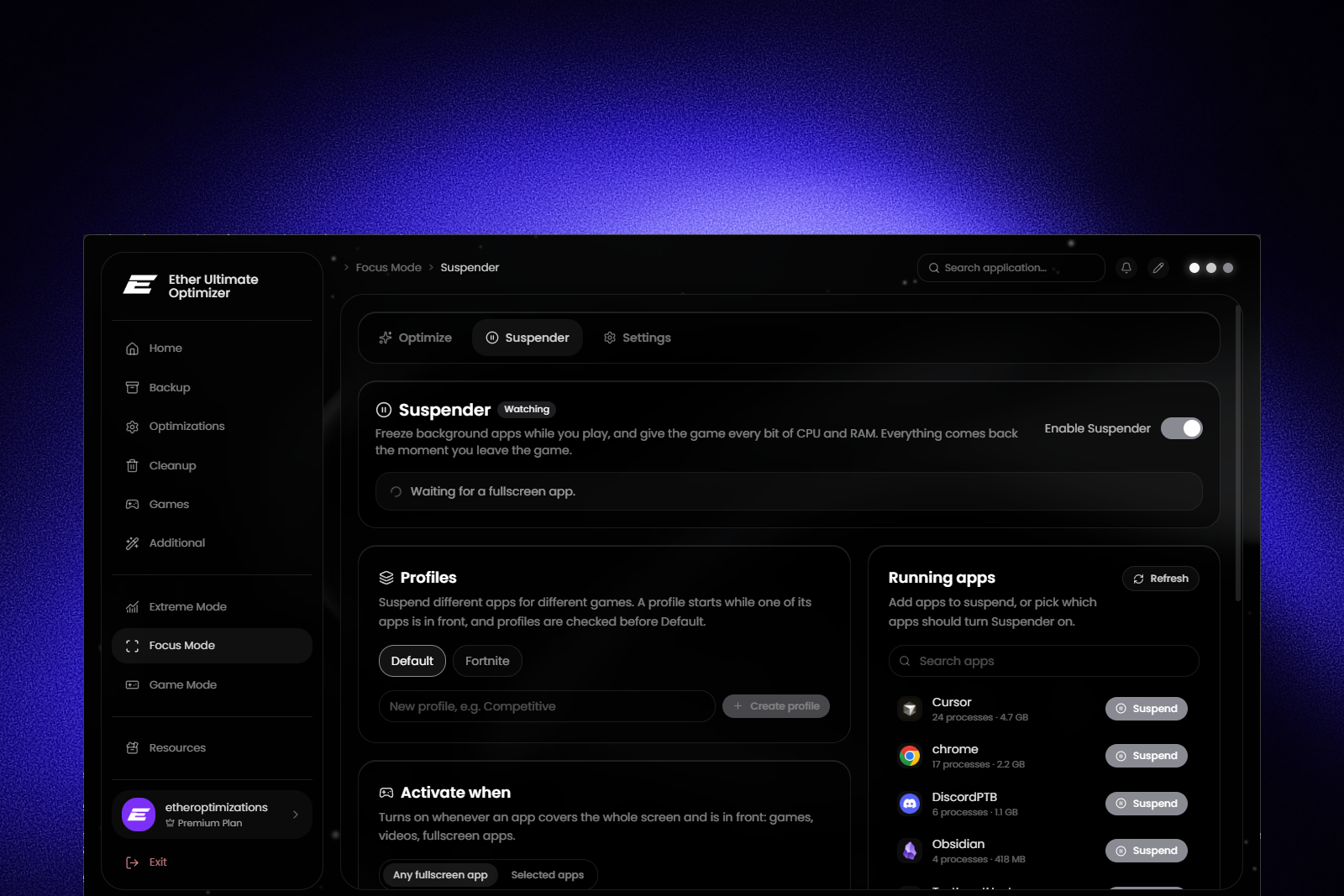
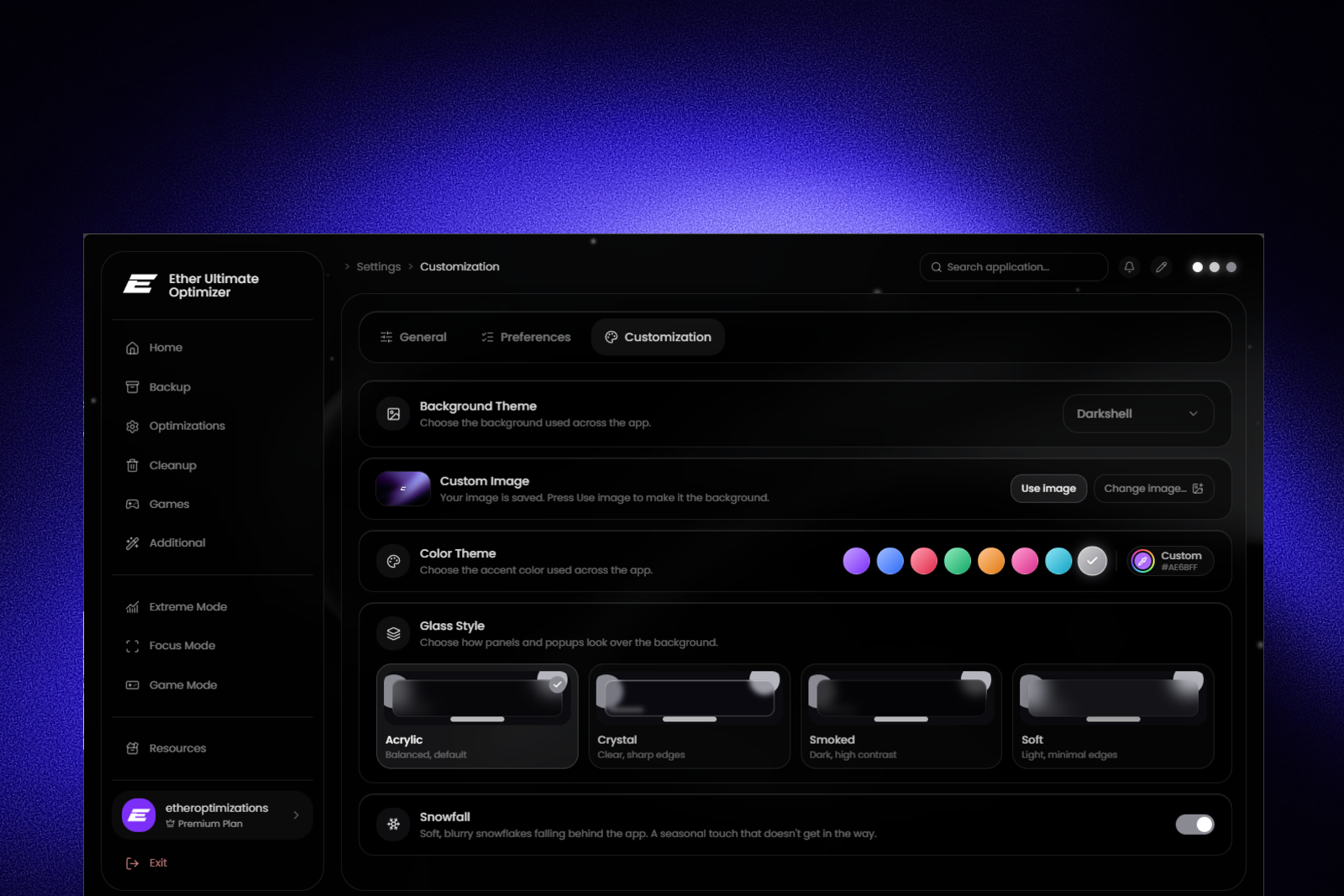
Introducing new Visuals
Screen-wide color effects and a custom crosshair overlay - everything you need to know about Visuals.
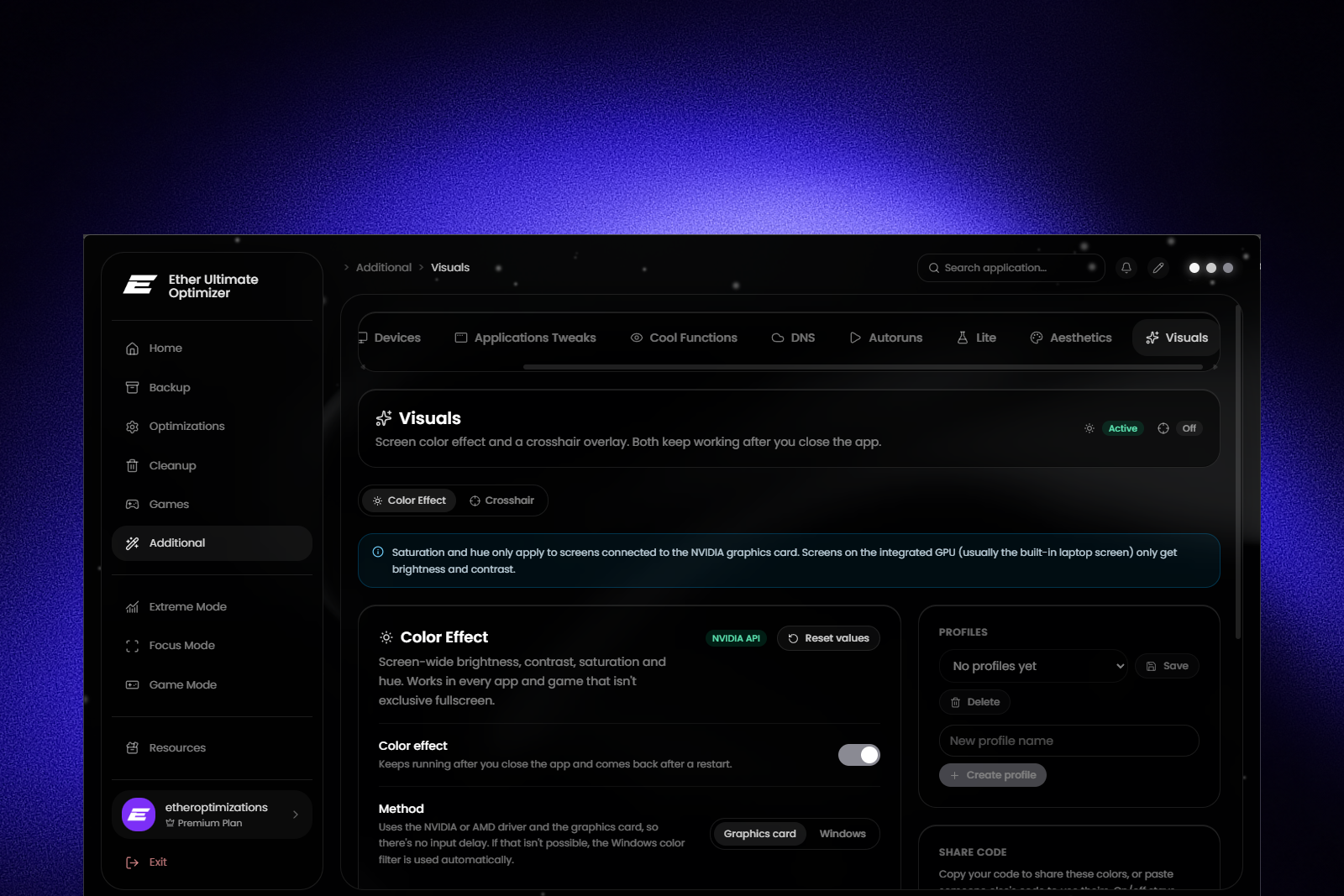
We're excited to introduce Visuals - a new feature in the Additional section that brings two tools many players have been asking for: a screen-wide color effect and a crosshair overlay. Both keep working after you close the app and come back automatically after a restart.
Color Effect
Adjust Brightness, Contrast, Saturation and Hue for your whole screen - perfect for making enemies stand out or giving colors more punch.
By default, Visuals uses the Graphics card method. Brightness and contrast are applied by your GPU, while saturation and hue go straight through your NVIDIA or AMD driver - so there's no input delay at all. If that isn't possible on your setup, Visuals automatically falls back to the Windows color filter, which works on every GPU but can add some input delay. A badge always shows which method is being used right now.
Your own driver settings, like NVIDIA Digital Vibrance, are saved before anything changes and put back when you turn the effect off.
Crosshair
Turn on Show crosshair to get an always-on-top crosshair in the center of your screen. It doesn't block your clicks, and nothing is injected into your games - it's a simple overlay drawn on top of them.
Choose from six styles - Classic + dot, Classic, Dot, T-shape, Circle and Circle + dot - then fine-tune color, outline, length, gap, thickness, dot size and opacity. A pixel-perfect preview with zoom shows exactly how it will look on your screen. You can also pick the monitor and move the crosshair with an offset.
With Keep true colors turned on, the color effect won't tint your crosshair, so it always looks exactly the way you set it up.
Profiles and share codes
Both tabs have their own profiles, so you can save different color setups and crosshairs and switch between them in a second. Want to share your setup with friends? Every look can be turned into a short share code that anyone can paste in to import it - with a preview of the crosshair before importing.
Auto profiles
Auto profiles take it one step further. Link a program to one of your saved profiles, and Visuals switches to it automatically - either only while the game is in front, or the whole time it's running. When no rule matches, your normal settings come right back.
Final notes
Visuals gives you full control over how your games look, without third-party tools and without touching your game files. Head to Additional → Visuals and give it a try.
As always, feedback is crucial. If you find any issues related to this feature or have ideas on how we can improve it - just let us know.